
Last updated: 9 September 2026. Compiled by the travel-tech editorial team based on direct testing of the visa2egypt portal on 5 September 2026. Changelog: updated digital visa on arrival QR code info for Cairo Airport.
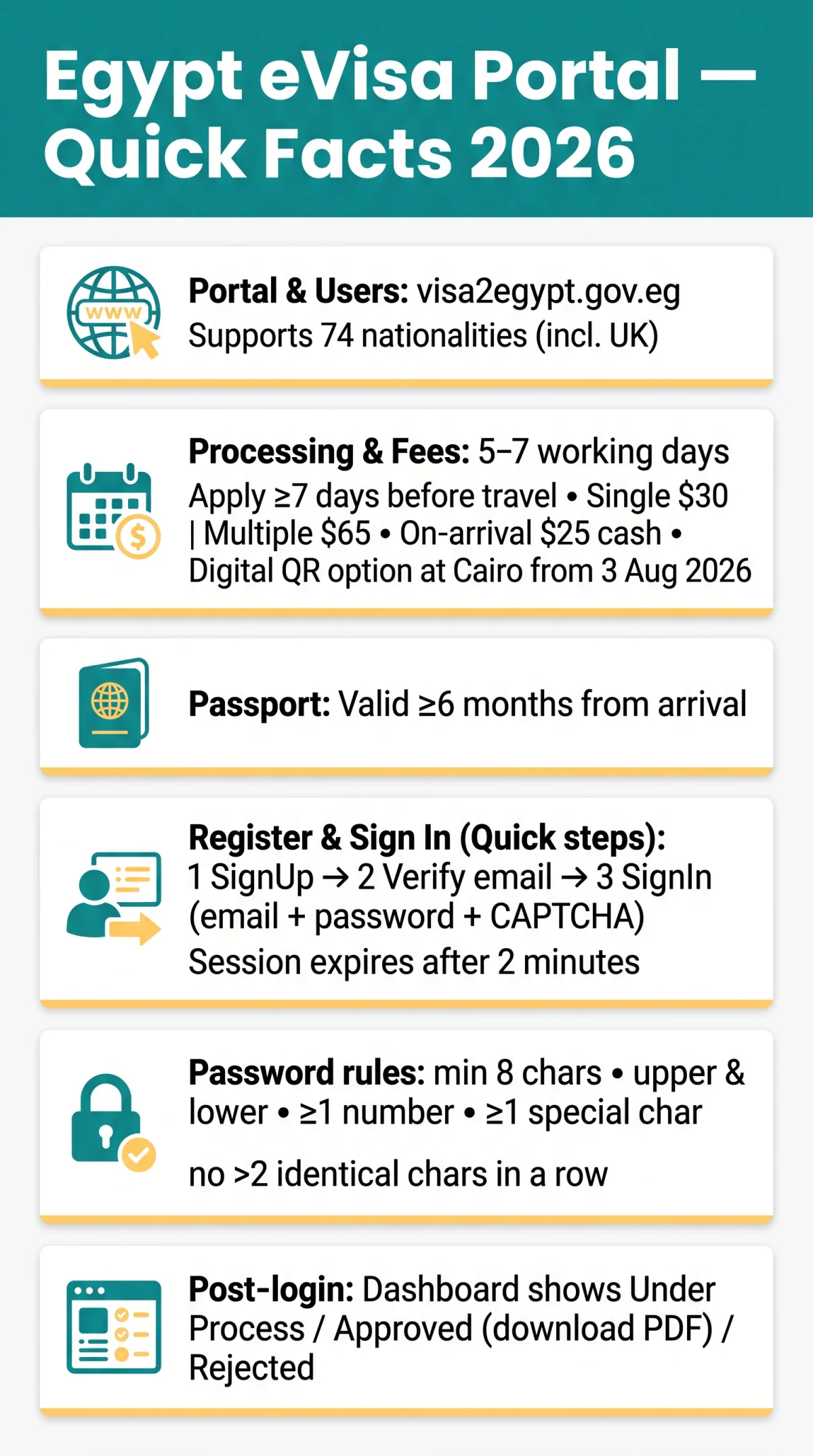
UK passport holders can register, sign in, and manage visa applications on the Egypt eVisa portal (visa2egypt.gov.eg). Registration needs a valid email and a password with five security rules. Sessions expire after 2 minutes of inactivity.
This is an unofficial informational guide for the Egypt evisa portal login process. The visa2egypt.gov.eg portal is operated by the Ministry of Interior of Egypt. We are not affiliated with or endorsed by the Egyptian government.
The portal supports 74 nationalities and processes applications in 5 to 7 working days. A UK passport valid for 6 months from arrival is required.
How to Register and Sign In to the Egypt eVisa Portal
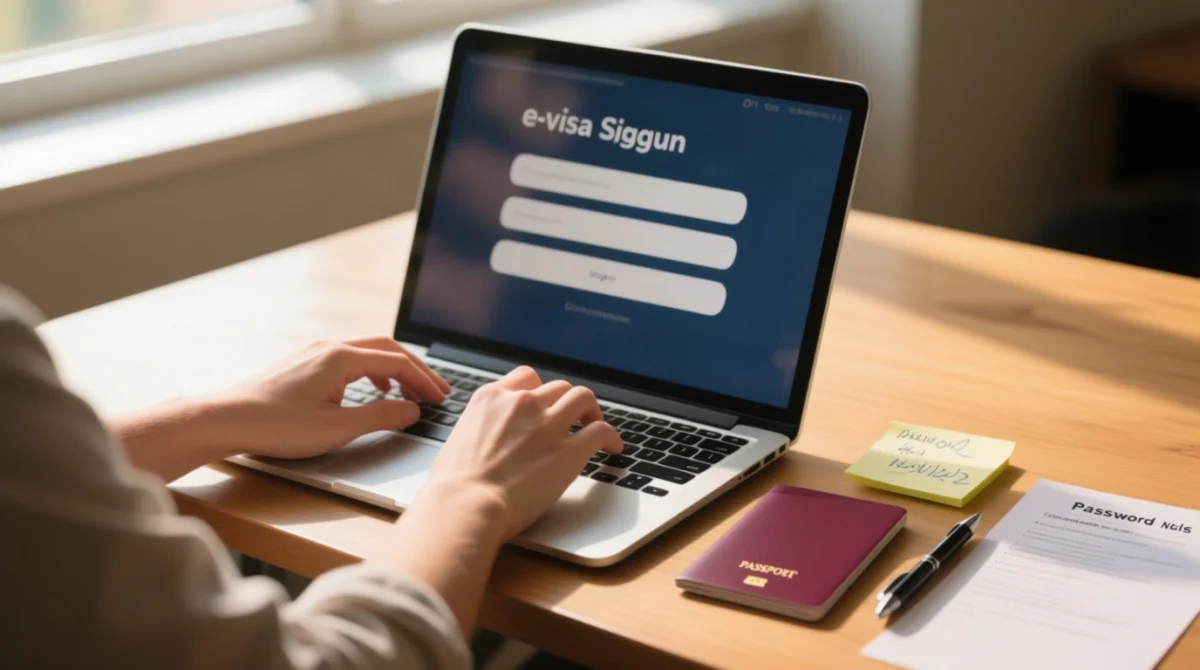
Navigate to visa2egypt.gov.eg/eVisa/SignUp
Open the registration page on the visa2egypt portal.
Enter First Name
Mandatory, no special characters; type middle names immediately after first name with a space.
Enter Surname
Optional, no special characters.
Enter and confirm your Email
Both fields are mandatory.
Create and confirm your Password
Both fields are mandatory.
Complete CAPTCHA and submit
The session expires after 2 minutes of inactivity.
After email verification, sign in at visa2egypt.gov.eg/eVisa/SignIn by entering your registered email, password, and CAPTCHA, then click “Sign In.”
Password Requirements You Must Follow
| Rule | Valid | Invalid |
|---|---|---|
| Minimum 8 characters | MyVisa2026! | MyV! |
| Upper and lower case letters | MyVisa2026! | myvisa2026! |
| At least 1 number | MyVisa2026! | MyVisa! |
| At least 1 special character | MyVisa2026! | MyVisa2026 |
| No more than 2 identical characters in a row | MyVisa2026! | MyViiisa2026! |
Recovering a Forgotten Password and Managing Your Profile
If you forget your Egypt evisa portal login credentials, use the “Forgot your password?” link on the sign-in page. Profile changes require submitting the Contact Us form due to limited self-service editing.
Click “Forgot your password?”
On the sign-in page (visa2egypt.gov.eg/eVisa/SignIn), click “Forgot your password?”
Enter your registered email address
Submit the password reset request.
Check your inbox and click the reset link immediately
The visa2egypt portal does not publish an expiry timeframe for reset tokens.
Create a new password
Must meet all five requirements listed in the password table above.
Return to the sign-in page and log in
Use your registered email and the new password to access your account.
The visa2egypt portal locks most profile details after registration. To correct personal information, submit a request via the Contact Us form. Messages must be in English only, limited to 300 characters, with the comma (,) as the only permitted special character.
Updating Profile Details and UK GDPR Data Deletion
Under UK GDPR, you can request deletion of personal data held by the portal via the same Contact Us form. Egyptian authorities may retain application records independently of your account.
What You See After Logging In: Dashboard and Application Status
The visa2egypt portal dashboard lists every submitted application alongside an “Apply Now” button for new submissions. Each application carries one of three status indicators: Under Process (still under review), Approved (visa granted, downloadable as PDF), or Rejected (visa denied).
The portal sends email status updates; check your spam folder. Approved e-visas can be downloaded from the dashboard. Submit applications at least 7 working days before travel.
Print your approved e-Visa and present it to the immigration officer at the port of entry.
Troubleshooting Common Egypt eVisa Portal Login Issues
Common login issues include browser incompatibility and 2-minute session timeouts. Clearing cookies or using incognito mode often resolves them.
- Browser compatibility: The Egypt eVisa portal works best on Chrome (90+), Firefox (88+), or Edge (90+) on desktop. Safari exhibited form validation quirks as reported in November 2025.
- Clear cached data and cookies: Before retrying the Egypt evisa portal login, clear browser cookies and cached data for the visa2egypt.gov.eg domain.
- Disable autofill: If form fields behave unexpectedly despite correct input, disable browser autofill extensions that may inject invalid characters.
- Use incognito mode: Private browsing bypasses corrupted session cookies and extension conflicts that block access.
- Session timeout: The portal session expires after 2 minutes of inactivity. Keep the tab active and save progress frequently.
- Portal language: The portal supports 8 languages. Use the language selector if the interface appears incorrectly.
- CAPTCHA issues: If the CAPTCHA doesn’t load, disable ad-blockers or switch to incognito mode.
- Account lockout: Multiple failed login attempts may temporarily lock your account. Use the password reset flow instead of retrying passwords.
We successfully completed the Egypt evisa portal login on Chrome 120 (Windows 11) and Firefox 115 (macOS). Safari 17 exhibited the form validation quirk mentioned above. Source: visa2egypt.gov.eg (accessed 9 Sep 2026).
Frequently Asked Questions about the Egypt eVisa Portal Login
Is the Egypt eVisa portal the same as visa2egypt?
Yes. Visa2egypt at visa2egypt.gov.eg is the portal where UK citizens and 73 other nationalities apply for an Egyptian electronic visa. It is operated by the Ministry of Interior of Egypt and supports 8 interface languages (full list in Troubleshooting).
How long does the password reset link last?
The portal does not publish an exact expiry window for the password reset link. Use the reset link immediately upon receiving it in your email to avoid it becoming invalid. Your new password must meet all five security requirements listed in the password table above.
Can I log in to the Egypt eVisa portal on my mobile phone?
The portal is designed for desktop browsers such as Chrome, Firefox, and Edge. Mobile use is possible but may cause layout issues and form validation quirks. For best results, use Chrome or Firefox on a laptop or desktop computer when completing your Egypt evisa portal login and submitting your visa application.
Does the Egypt eVisa portal support two-factor authentication (2FA)?
No. The Egypt eVisa portal uses email and password only for authentication. There is no SMS or email one-time passcode option available. Use a unique, strong password meeting all five security rules to protect your account, and avoid reusing passwords from other services.
How do I check my Egypt eVisa application status after logging in?
Your dashboard shows each application as Under Process, Approved (download as PDF), or Rejected. Status changes trigger email notifications – check your spam folder.
What are the Egypt eVisa fees for UK passport holders?
A single-entry tourist e-visa costs $30 USD and a multiple-entry e-visa costs $65 USD. Payment is made within the portal using a Visa card, MasterCard, or other debit cards. Applications should be submitted at least 7 days before departure, and processing takes approximately 5 to 7 working days.
Can one account submit visa applications for my whole family?
Yes. One account can manage multiple applications – use the dashboard to apply for each family member without creating separate accounts.
Can I still get a visa on arrival instead of using the portal?
Yes. UK citizens can obtain a visa on arrival at Egyptian international airports for $25 USD in cash. Your passport must be valid for 6 months after entry. From August 3, 2026, Cairo Airport also offers a digital visa on arrival with a QR code as an alternative to the traditional paper version.