Published: 15 March 2026. Last reviewed: 9 September 2026. This is an independent informational guide, not affiliated with the Egyptian government. Always verify details on visa2egypt.gov.eg before travel.
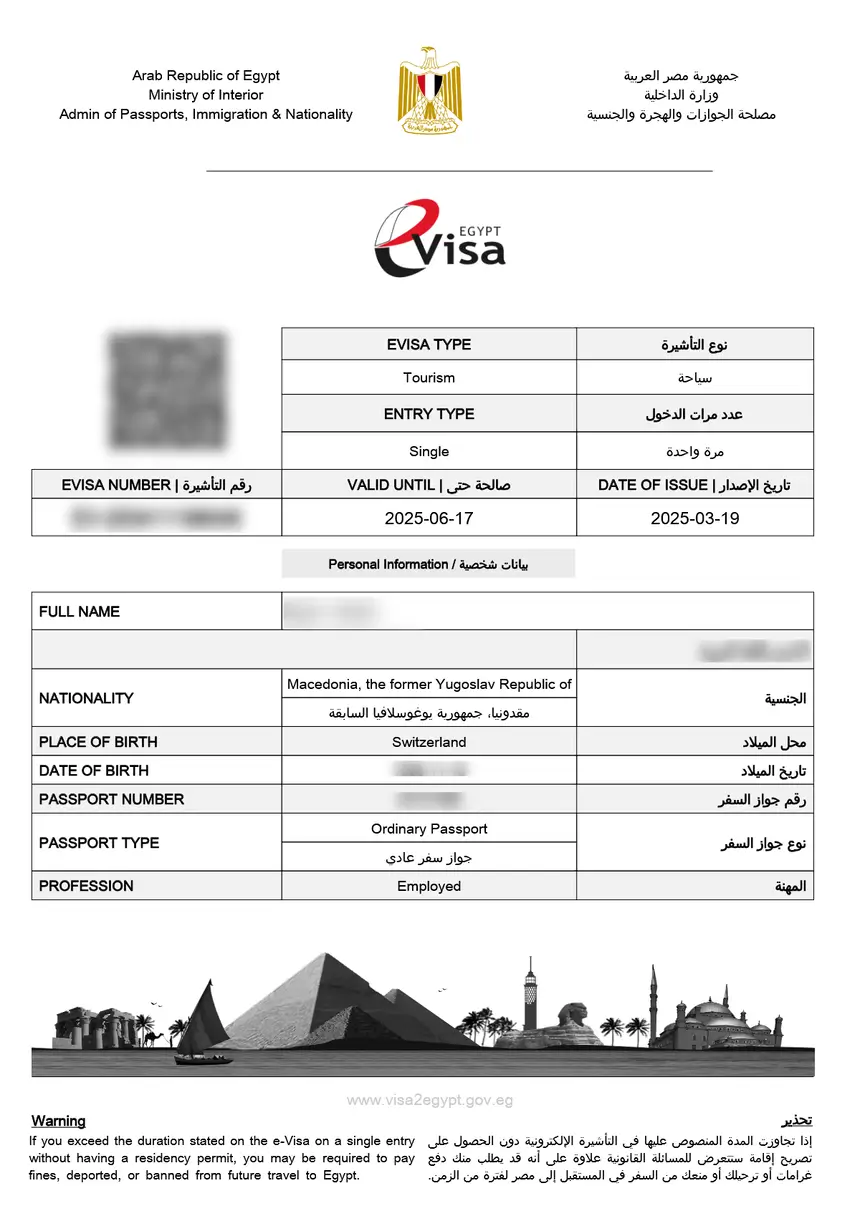
Print your Egypt eVisa on A4 paper before departure. Download the PDF from visa2egypt.gov.eg, set printer to Actual Size, and verify the barcode. Carry the printout with your passport as digital copies are not accepted.
A physical Egypt eVisa print out is mandatory. Airport authorities may refuse entry without it, and airlines may deny boarding. Border officers verify the visa via barcode scan.
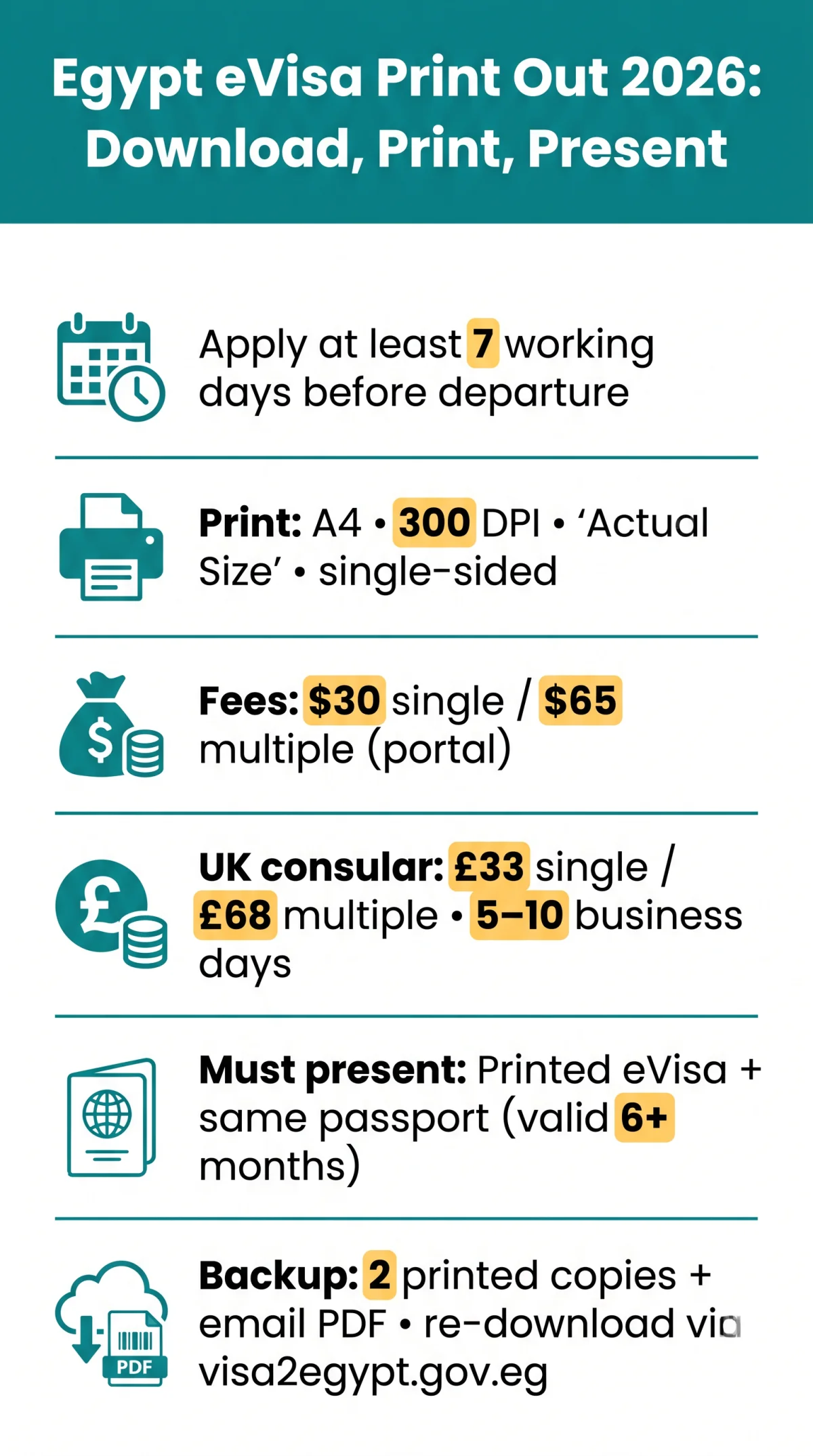
Print as soon as you receive approval, at least 7 working days before departure. Keep a backup copy in a separate bag and email the PDF to yourself.
How to Download and Print Your Egypt eVisa
Check email
Look for the approval notification with the download link from visa2egypt.gov.eg
Access your application
Click the link, or log in with registered email and password, then locate your application by reference number or passport number
Print on A4
Print at 300 DPI minimum, selecting Actual Size and not Fit to Page. Colour or black-and-white accepted; single-sided recommended. Laser printers resist Egypt’s humidity better than inkjet
Verify your Egypt eVisa print out shows the correct visa type before printing. Single entry costs $30 USD, multiple entry $65 USD via the portal. UK consular applications cost £33 GBP (single) or £68 GBP (multiple), with 5 to 10 business days processing by post.
What If Your Download Link Has Expired?
Log into visa2egypt.gov.eg with your registered email and password. Use Forgot Password if needed, then retrieve your Egypt eVisa PDF by application reference or passport number. The approved Egypt eVisa remains accessible in your portal account.
How to Ensure Your Barcode Scans Correctly
Egyptian border control scans the barcode electronically. The Egypt eVisa print out must show a clearly legible code; verify details match your passport before departure. If the barcode on your Egypt eVisa print out fails, officers can look up the visa manually by passport number.
What to Present at Egyptian Border Control
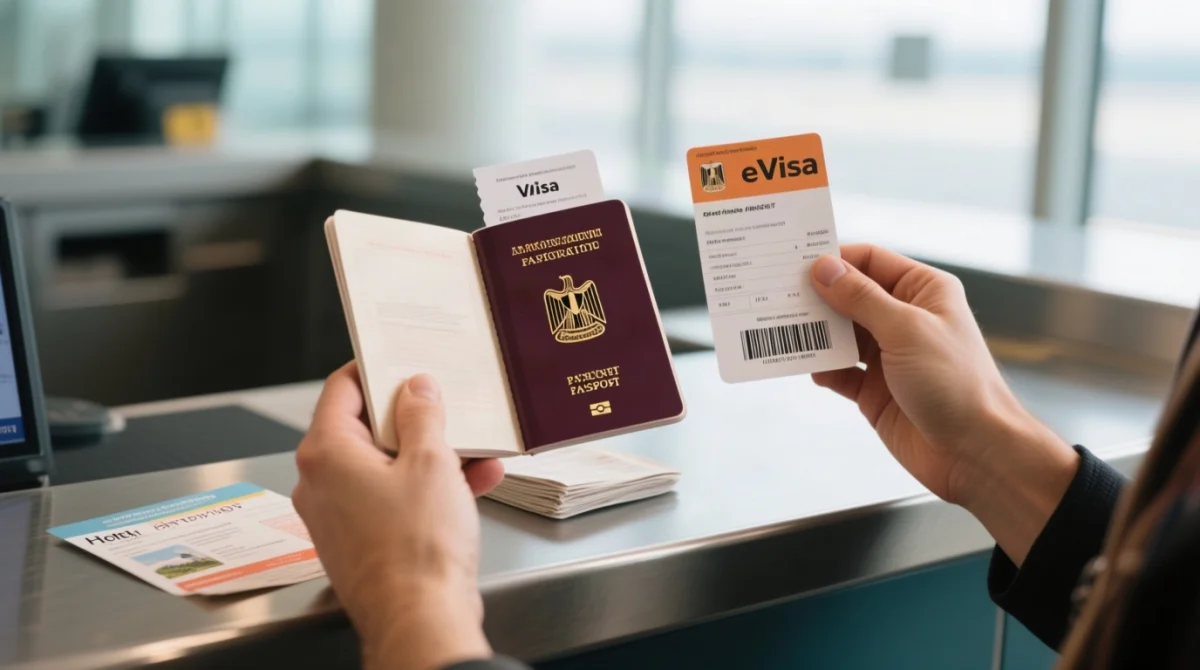
- Passport – must be the same one used for the eVisa application and valid for at least 6 months from the arrival date.
- Egypt eVisa print out – handed to the officer for electronic barcode scanning and system verification.
- Supporting documents – travel itinerary and hotel bookings or details of places to visit.
- Arrival card – a separate document collected at passport control; see below.
Egyptian authorities may refuse entry without explanation if your Egypt eVisa print out is missing or invalid.
Arrival Card vs. eVisa: Do You Need Both?
Yes. The arrival card, also called the disembarkation card, is a separate paper document typically distributed on the aircraft or available at the airport. It is collected at passport control. The Egypt eVisa print out is checked at the immigration desk for barcode verification. Your Egypt eVisa print out and the arrival card serve different purposes and one does not replace the other.
Lost Your Printout? Emergency Options and Reprinting
- Airport printing facilities: Business centres or print kiosks may be available at Cairo International, Hurghada, or Sharm El-Sheikh airports.
- Airline desk assistance: Ground staff may provide printer access or direct you to facilities.
- Re-download via airport Wi-Fi: Log into visa2egypt.gov.eg using your email and password to retrieve your Egypt eVisa print out PDF for reprinting.
- Visa on Arrival (last resort): UK passport holders can purchase a VoA for $25 USD at the counter, requiring a separate bank kiosk queue before immigration.
Prevention: print two copies of your Egypt eVisa print out, one in carry-on and one in a separate bag, and email a PDF backup to yourself.
FAQ: Egypt eVisa Print Out
Can I show my Egypt eVisa on my phone instead of printing it?
No. Egyptian border control requires a paper copy for barcode scanning at the immigration desk. Without a printed Egypt eVisa print out, you risk denied boarding or entry refusal.
What paper size and quality should I use for my Egypt eVisa print out?
Use standard A4 white copy paper (80 gsm). Print single-sided at minimum 300 DPI. Both colour and black-and-white are accepted, though colour is preferred for photo legibility.
How long is the Egypt eVisa valid after printing?
The eVisa is valid from the date of issuance, not the date of printing. Tourism visas allow a maximum stay of 30 days. Processing time is 7 working days, so apply at least 7 working days before departure.
Can I laminate my Egypt eVisa printout?
Lamination is not recommended. The glossy surface can interfere with barcode and QR code scanning. Use a clear plastic document sleeve to protect your Egypt eVisa print out instead.
What happens if the barcode on my eVisa does not scan?
If the barcode on your Egypt eVisa print out is illegible, border officers may look up the visa manually using your passport number. Your name must match your passport exactly.
What if my name is misspelled on the eVisa?
Even minor mismatches between your Egypt eVisa and passport may cause entry issues. Contact the Egypt eVisa support team via the Contact Us form on visa2egypt.gov.eg. You may need to reapply.
Should I apply for an eVisa or get a Visa on Arrival in Egypt?
The eVisa costs $30 USD (single entry) or $65 USD (multiple entries) via the portal, guarantees faster immigration queues, and avoids the separate bank kiosk queue required for Visa on Arrival ($25 USD).
Can I reprint my Egypt eVisa if the original is damaged?
Yes. Log back into the portal at visa2egypt.gov.eg using your registered email address and password, locate your application by reference number or passport number, and download the PDF again for reprinting.